
Loads an external provider frame only after you press the button. Virtual credits have no cash value.
What to check once the demo opens
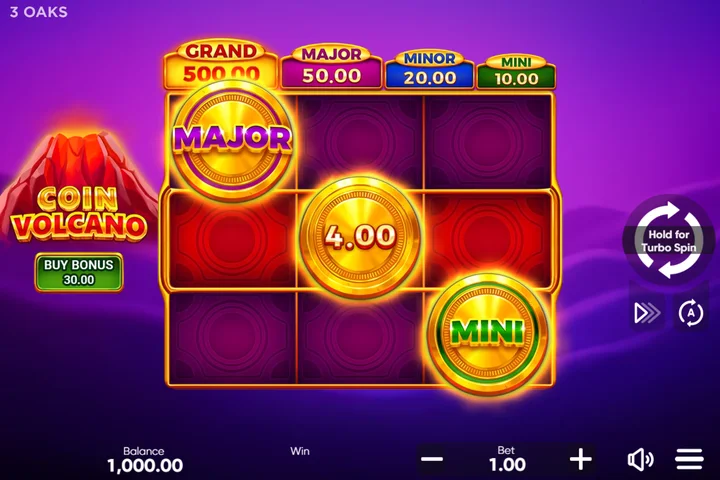
First confirm that the screen says Coin Volcano and shows the original nine-position grid. Read the balance unit and selected bet before touching Spin or Buy Bonus. Our captured launch used FUN virtual credits, with an initial displayed balance of 1,000 and a bet of 1.00. These values are not guaranteed for every launch.
The opening screen may ask you to tap to start after loading. Opening the controls does not place a bet by itself. The large circular button starts an ordinary spin; the separate Buy Bonus control opens a feature purchase. The two actions have different costs.
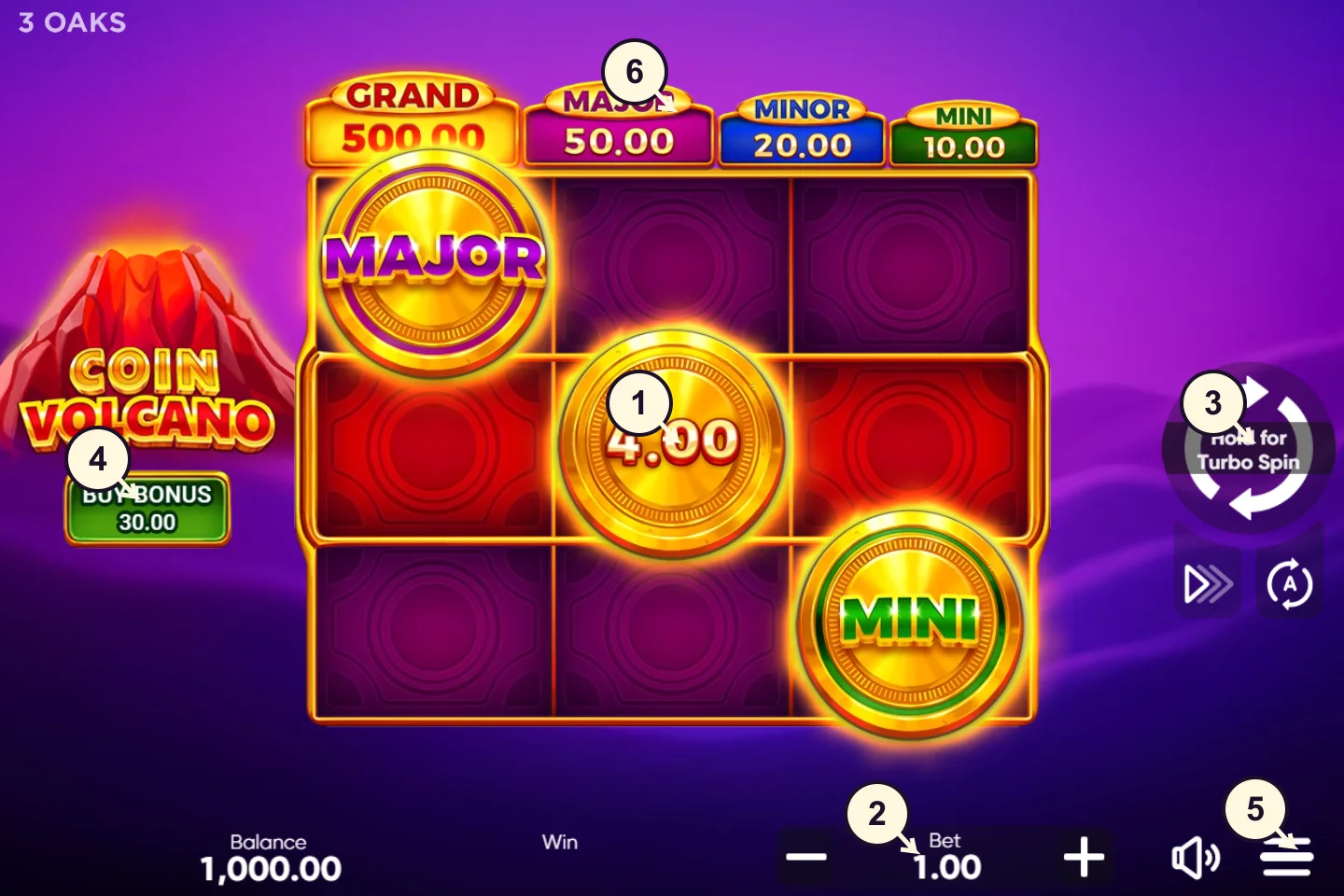
Use the complete illustrated rules for the trigger and settlement sequence. Keep any trial at a fixed virtual stake while learning. If a feature begins, wait for its final return before comparing it with the full cost. A child respin is part of the existing paid action.
If the demo loads slowly or closes the session
Our research connection reached the main controls once and received repeated session-closed responses during other launches. The client displayed “This game session was closed” and offered a reload. We have not established the cause, so this page does not claim that changing region, paying a deposit or installing an APK will solve it.
Close duplicate game tabs and use the provider’s normal reload option if offered. If the same failure repeats, stop retrying and return later. The guide and calculator work without the external demo. We do not proxy the game to override access restrictions.
An iframe load event means the outer document loaded, not that a playable game is ready. The status message confirms that the external game was requested; it does not confirm that the game is ready. You need to see and use the actual game controls.
On a phone, the frame stays within the page width and gives the game its own vertical space. We have not completed a physical-device Android or iPhone gameplay test. Browser emulation alone would not establish touch performance or a local mobile-network launch.
Virtual play and commercial play are separate
The provider demo does not create an operator account with this guide. Its FUN balance cannot be withdrawn here. The partner action opens a separate service where exact game availability, eligibility, account rules and payments need their own checks.
No successful paid action was recorded in our current capture. We consequently publish no observed RTP or strategy-profit chart for this game. A responsive frame and a control screenshot are useful evidence of interface access, but they are not a completed gameplay study.
Can you open the Coin Volcano 2 demo?
On 6 November 2026, the official Coin Volcano 2 page loaded but its game area said the title was unavailable in the visitor’s jurisdiction. No playable sequel board or completed round followed. That is a provider restriction on this connection, not a verified finding about every South African player.
Use the official Coin Volcano 2 launch page to check the ordinary route. If the same restriction appears, stop there. The original demo on this page is a different game and does not clear the sequel’s restriction.
The edition comparison explains the sequel’s five-reel rules. A playable demo, active RTP and complete feature costs remain unverified here. We have not substituted a lookalike game or called a loading frame a successful session.